Electronics Product Photography
Showcase your electronics with crisp, high-tech product photography. From consumer gadgets to accessories, generate lifestyle and studio shots that highlight features and drive clicks.
Get 5 photos for free
💳 no credit card needed

Tips for Electronics Product Photography
Whether you are shooting with a professional setup or generating photos with AI, these tips will help you get the most out of your electronics product visuals.
Use a neutral background (white, grey, or light beige) to keep the focus on the product and make editing easier.
Shoot in natural light near a window, or use softbox lights to get diffused, even lighting that minimises harsh shadows.
Always shoot on a tripod to avoid blur, especially for close-up or macro shots where small movements are magnified.
Capture multiple angles: front, back, side, top-down, and a close-up detail shot. Customers want to see everything.
Keep your colour profile consistent across all product photos so your catalogue looks cohesive on product pages.
Clean the product thoroughly before shooting. Fingerprints, dust, and smudges are amplified under studio lighting.
Use a shallow depth of field to isolate the product and create a professional, polished look.
Edit for consistency: adjust exposure, white balance, and contrast uniformly so all photos feel part of the same shoot.
AI-generated. Indistinguishable from studio.
Electronics Product Photography Examples
Real product photos generated by Yuzuu for electronics brands. No studio, no photographer, no waiting.
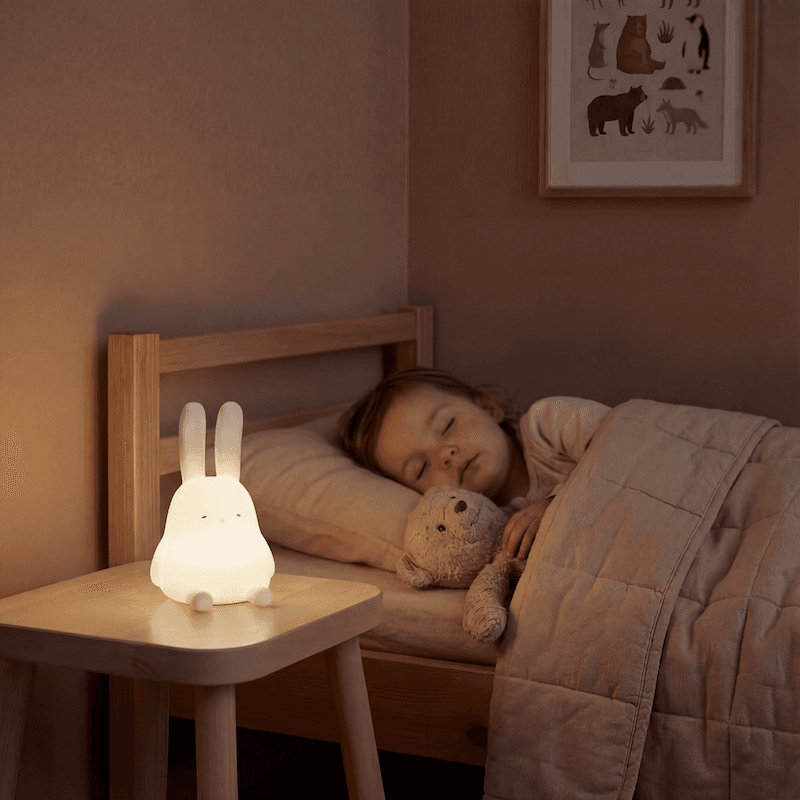
Studio product photography

Lifestyle product photography
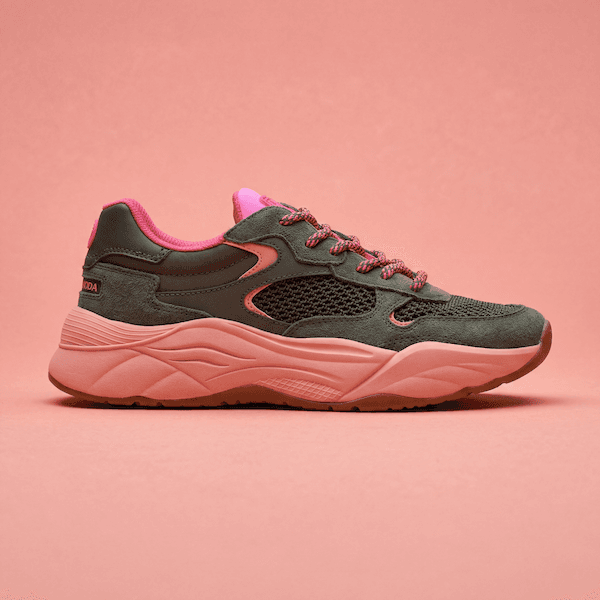
Clean studio photography
Best Electronics Product Photography Styles
The three visual styles that work best for electronics brands, and why.
Studio Clean
Clean white shots meet marketplace requirements and keep the focus on product detail and specs.
Dramatic Lighting
Hard light on dark backgrounds creates a high-tech premium aesthetic that elevates electronics brands.
Lifestyle
Desk and home setup contexts help customers visualise the product in their own environment.
How it works
Three steps. No studio. No photographer. Just great product photos.
Here, you create studio and lifestyle photos so realistic people don't question them.
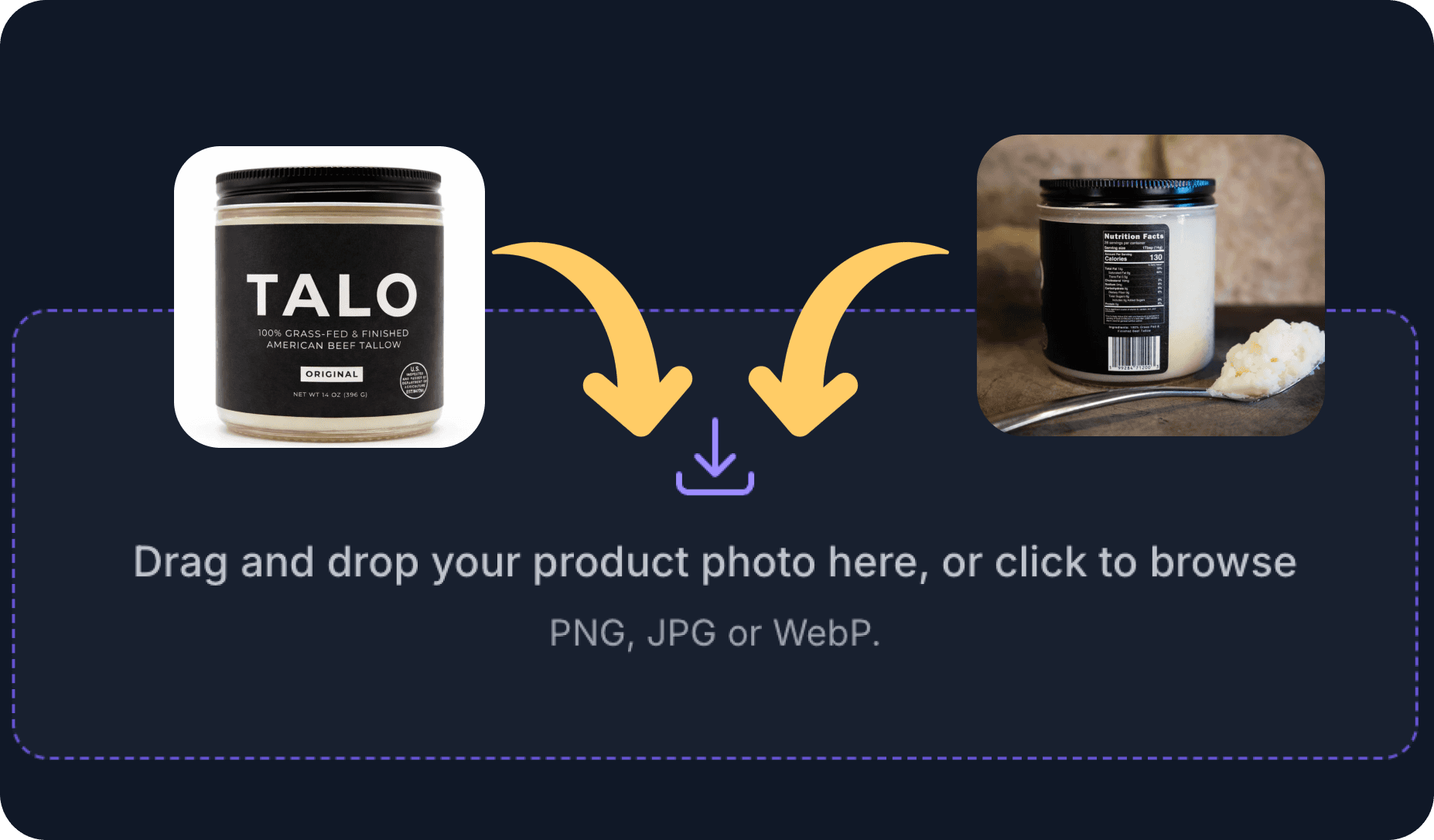
1. Upload your product photos
PNG, JPG, or WebP format. Up to 10 photos at a time.
Takes 2 seconds.
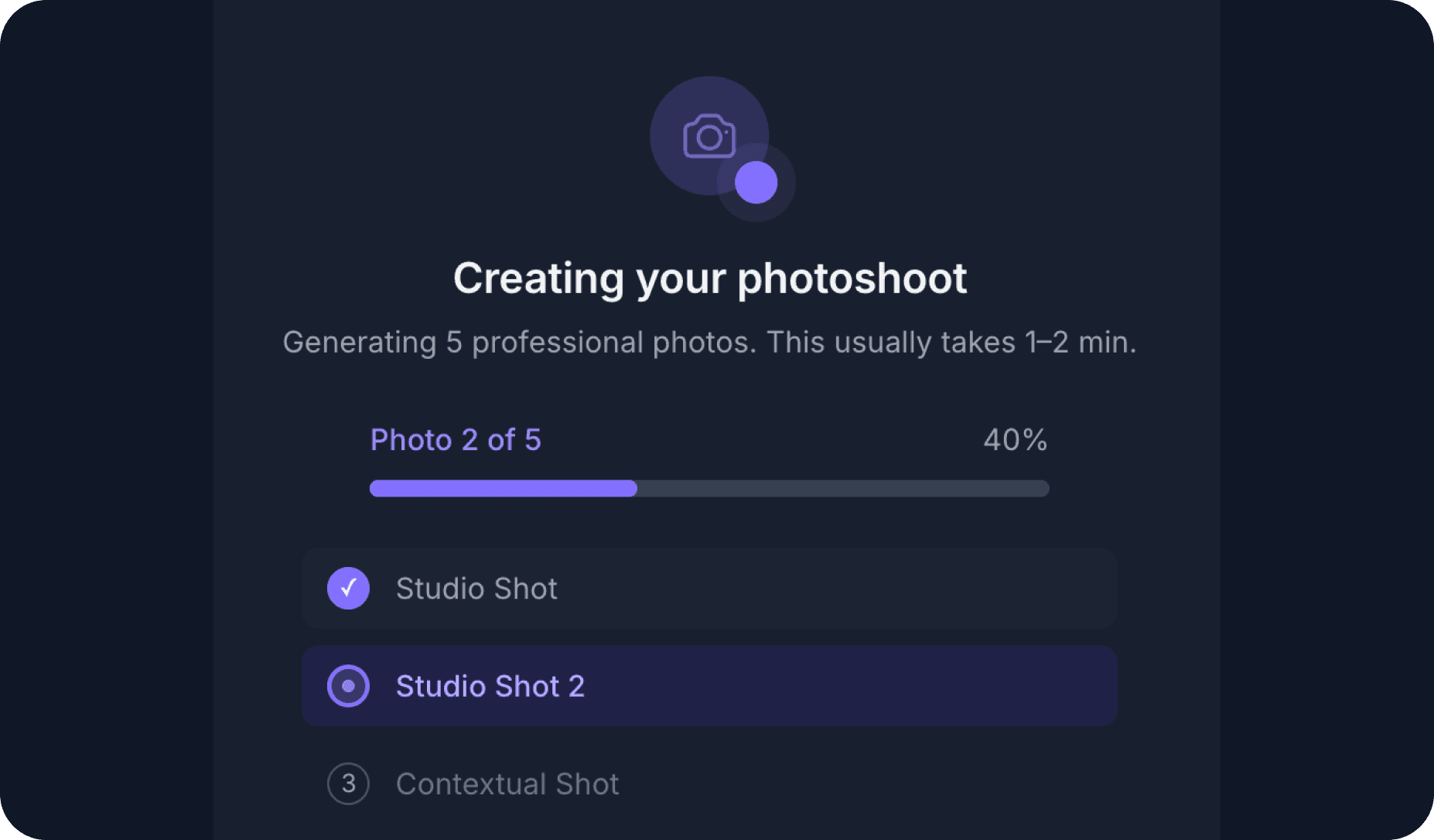
2. Our AI Creative Director does the magic
Your product is integrated into ultra-realistic scenes to improve the trustworthiness of your brand.
Takes 30 seconds.

3. Your photoshoot is ready
You finally can use pictures that don't make you look like a fraud.
+12.68% conversion rate improvement, based on 50+ customers' use cases.
Your first photoshoot for free
50+ brands improved conversions by an average of 12.68%. Will you do better?
Give it a try now →
💳 No credit card needed

Product Photography By Industry
Product photography tailored to your sector: beauty, fashion, electronics, food, and more.
Electronics Product Photography FAQ
Common questions about electronics product photography, answered.
Electronics present several technical challenges: highly reflective surfaces (glass, metal, chrome), screens that need to look active and vibrant, and the need to show small details (ports, buttons, textures) with precision.
Reflections are the biggest obstacle. Managing them requires a combination of polarising filters, strategically placed flags (black cards to block light sources), and careful post-processing to remove any remaining unwanted reflections.
Almost always on. A device with a black screen looks dead and uninviting. Showing an active, well-designed UI screen dramatically increases the perceived value of the product. For devices where you cannot easily control the screen content, a screen replacement in post-processing is standard practice.
When showing the screen, make sure the content shown is relevant and aspirational for your target customer. A phone case brand might show a beautiful wallpaper. A productivity app might show an organised task list.
Dark backgrounds (deep grey, charcoal, black) are popular for premium electronics because they create contrast, make the product pop, and signal a high-tech, sophisticated brand. White and light grey are better for marketplace listings where clarity and legibility are the priority.
Lifestyle desk setups , showing the product in a real workspace or home environment , are extremely effective for electronics because they help customers visualise the product as part of their daily life.