Kids Product Photography
Warm, playful, and parent-approved. Generate AI product photos for kids products that build trust with parents and make every toy, clothing item, and accessory look as safe and fun as it really is.
Get 5 photos for free
💳 no credit card needed
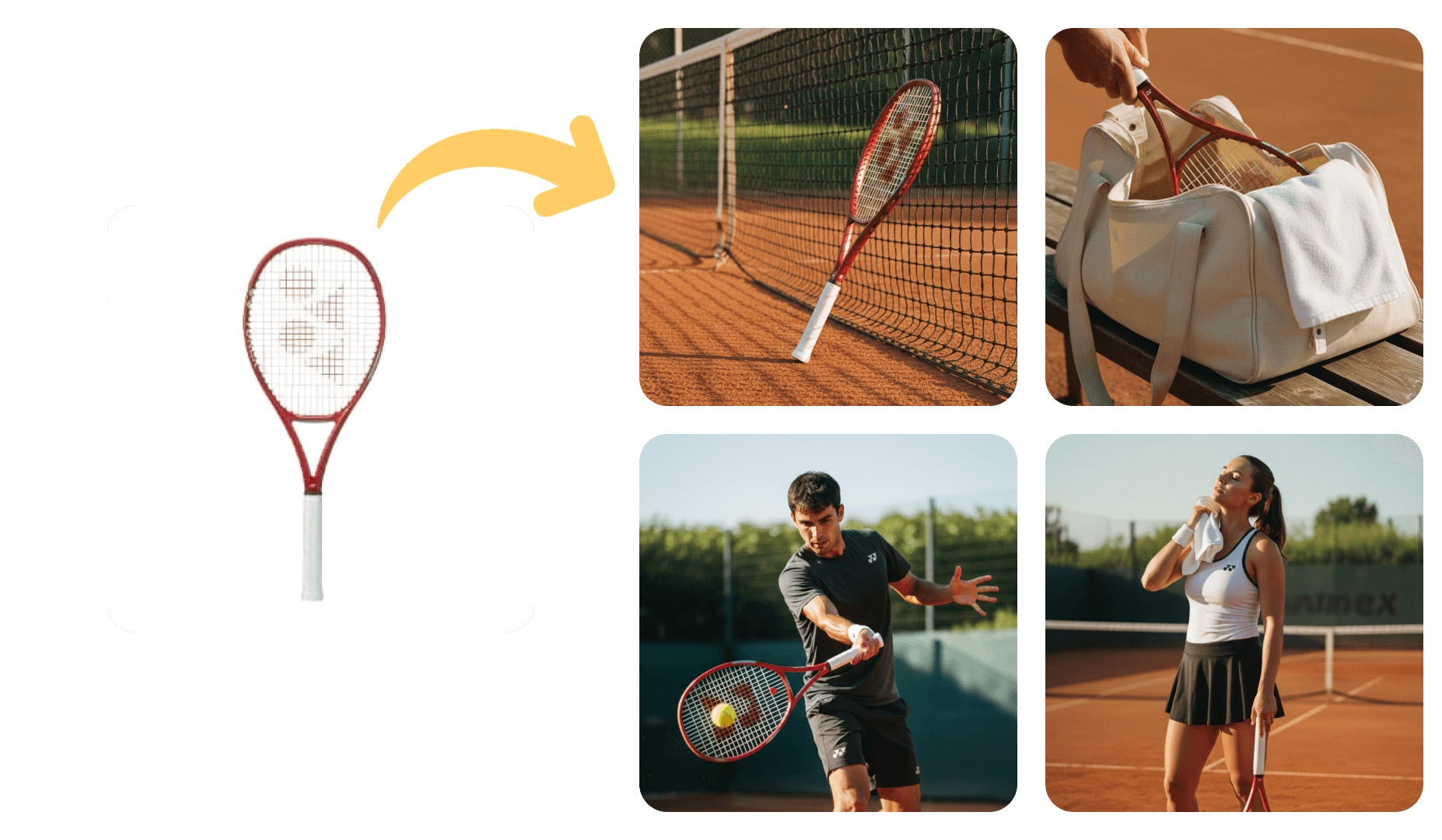
Tips for Kids Product Photography
Whether you are shooting with a professional setup or generating photos with AI, these tips will help you get the most out of your kids product visuals.
Use a neutral background (white, grey, or light beige) to keep the focus on the product and make editing easier.
Shoot in natural light near a window, or use softbox lights to get diffused, even lighting that minimises harsh shadows.
Always shoot on a tripod to avoid blur, especially for close-up or macro shots where small movements are magnified.
Capture multiple angles: front, back, side, top-down, and a close-up detail shot. Customers want to see everything.
Keep your colour profile consistent across all product photos so your catalogue looks cohesive on product pages.
Clean the product thoroughly before shooting. Fingerprints, dust, and smudges are amplified under studio lighting.
Use a shallow depth of field to isolate the product and create a professional, polished look.
Edit for consistency: adjust exposure, white balance, and contrast uniformly so all photos feel part of the same shoot.
AI-generated. Indistinguishable from studio.
Kids Product Photography Examples
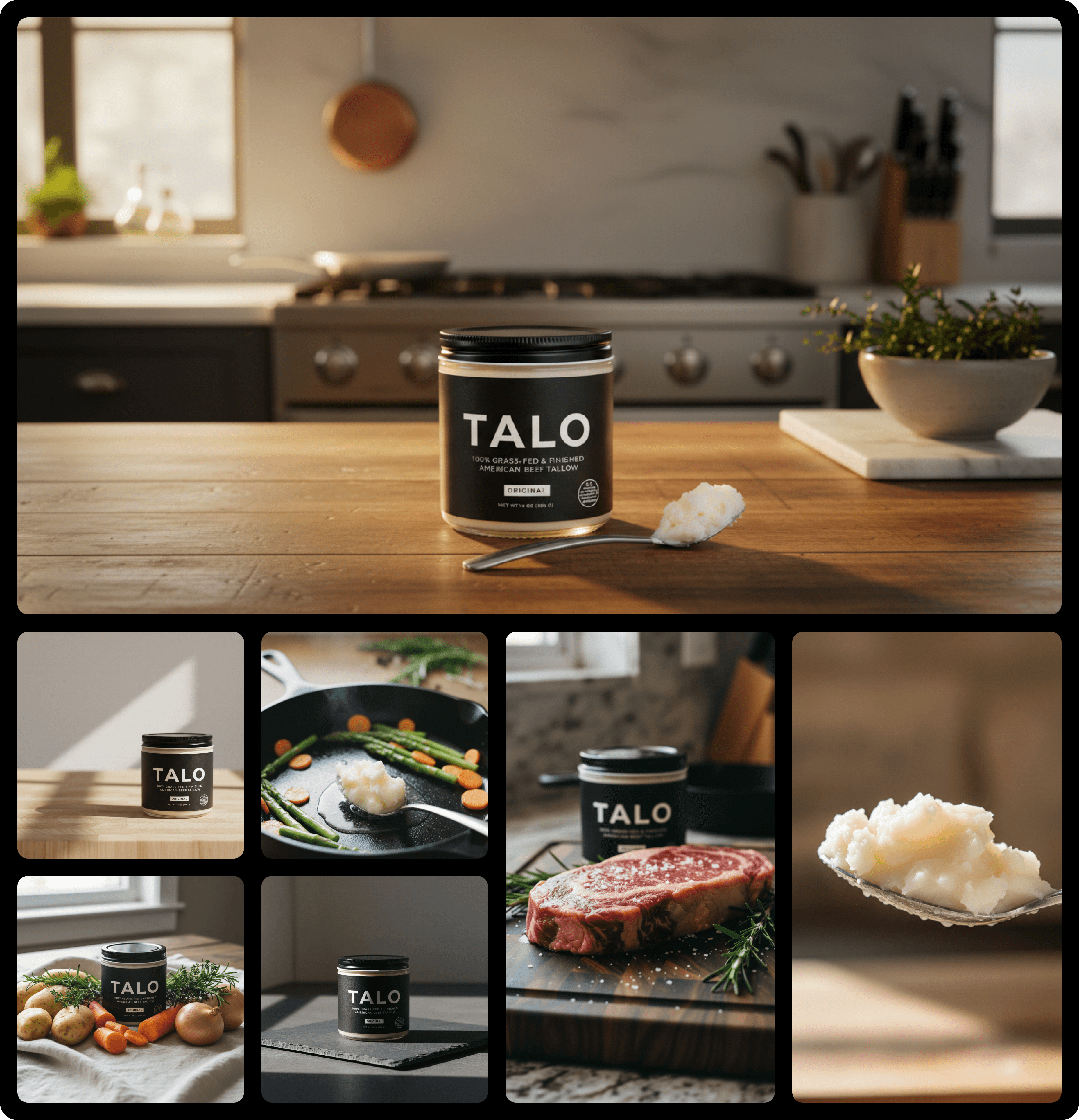
Real product photos generated by Yuzuu for kids brands. No studio, no photographer, no waiting.
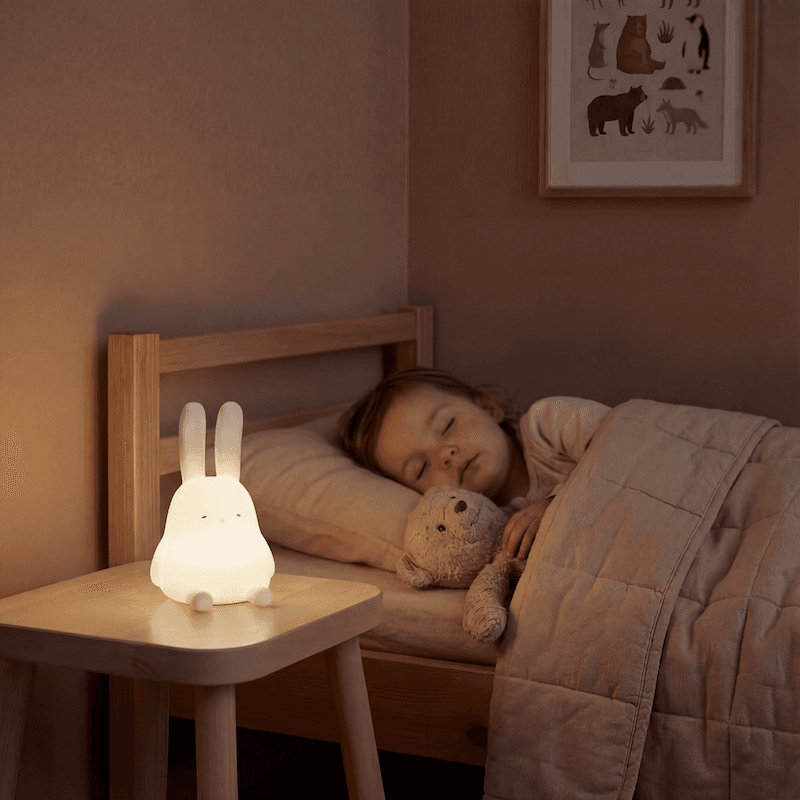
Studio product photography
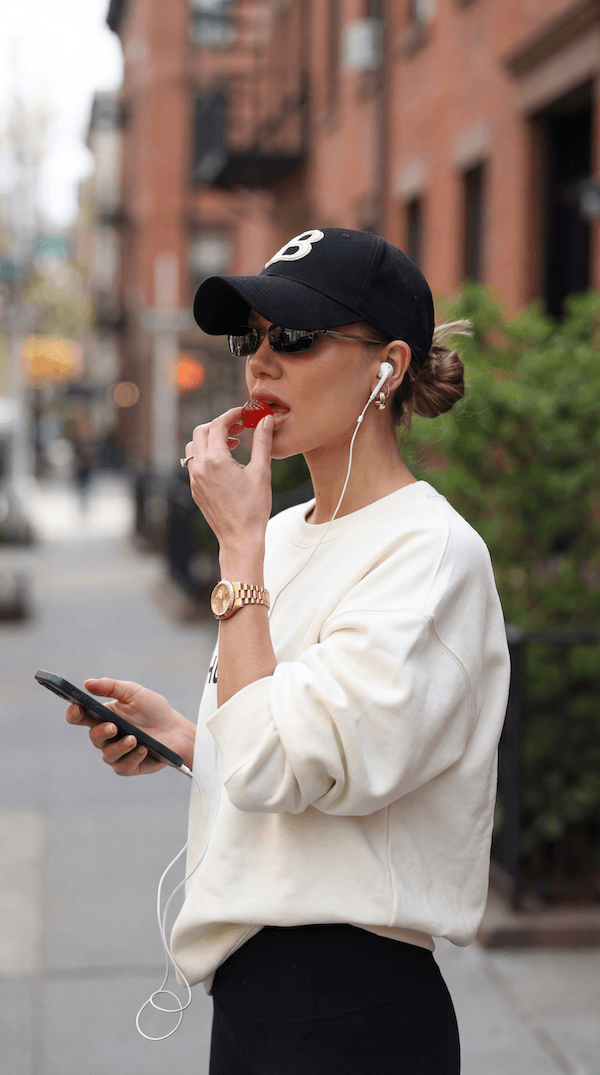
Lifestyle product photography
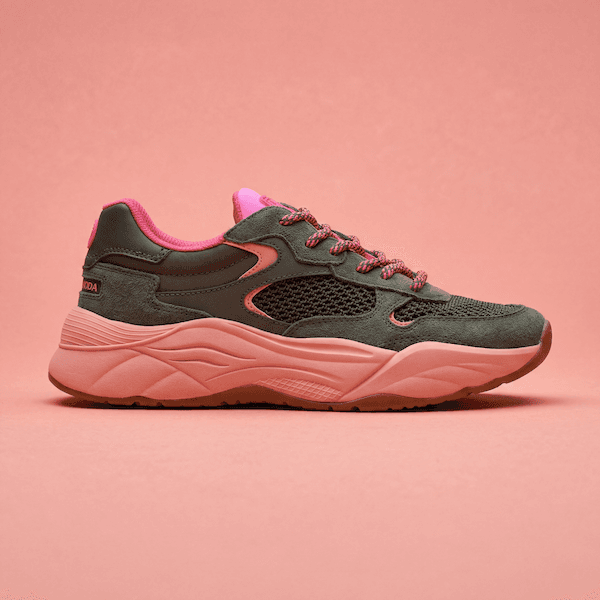
Clean studio photography
Best Kids Product Photography Styles
The three visual styles that work best for kids brands, and why.
Lifestyle
Shows children using and enjoying the product, which is the most effective trust signal for parents.
UGC
Authentic, real-feeling content resonates strongly with parents who value honesty over polish.
Studio Clean
Clean studio shots on white backgrounds meet marketplace requirements and show product detail clearly.
How it works
Three steps. No studio. No photographer. Just great product photos.
Here, you create studio and lifestyle photos so realistic people don't question them.
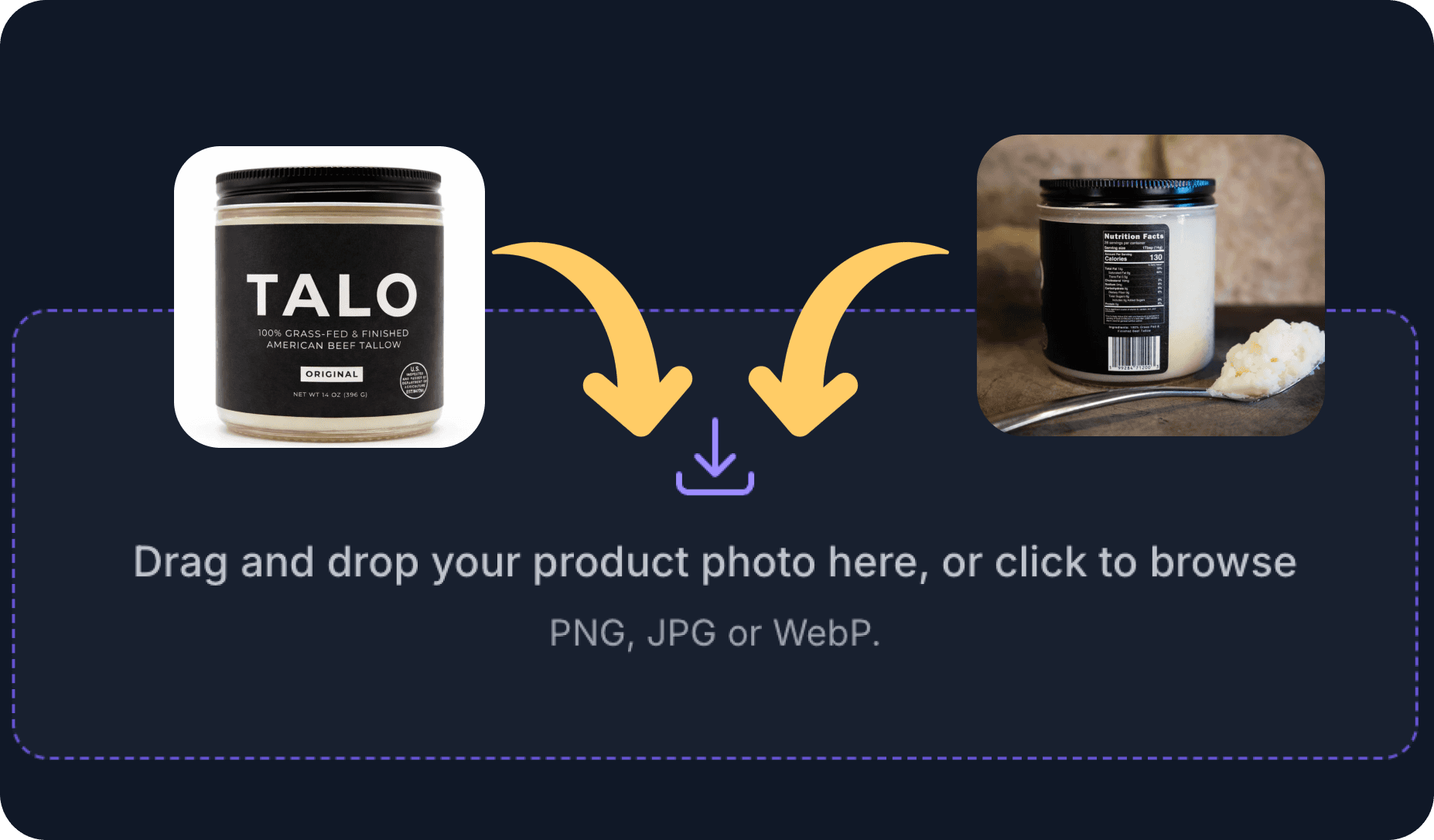
1. Upload your product photos
PNG, JPG, or WebP format. Up to 10 photos at a time.
Takes 2 seconds.
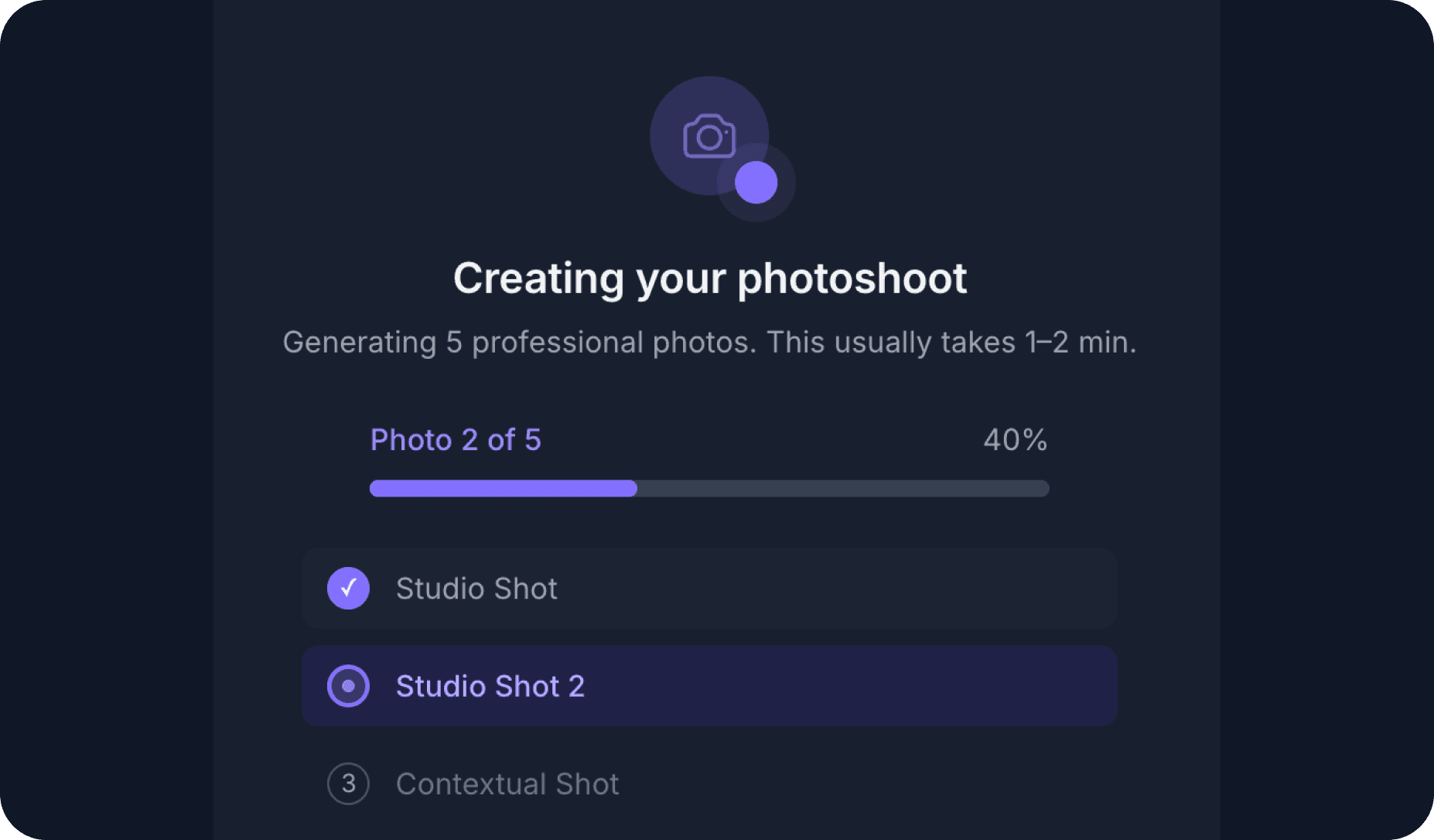
2. Our AI Creative Director does the magic
Your product is integrated into ultra-realistic scenes to improve the trustworthiness of your brand.
Takes 30 seconds.
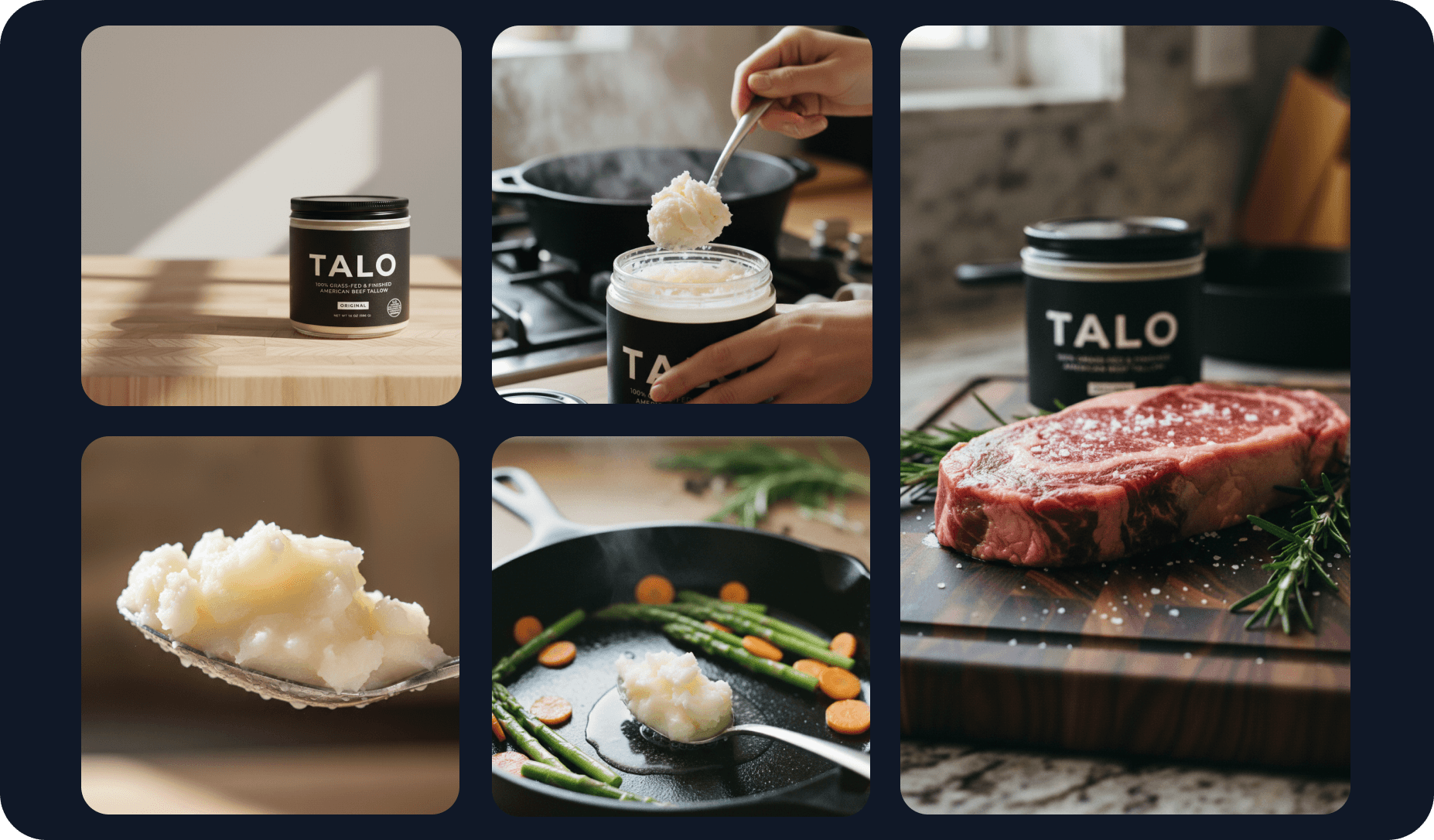
3. Your photoshoot is ready
You finally can use pictures that don't make you look like a fraud.
+12.68% conversion rate improvement, based on 50+ customers' use cases.
Your first photoshoot for free
50+ brands improved conversions by an average of 12.68%. Will you do better?
Give it a try now →
💳 No credit card needed
Product Photography By Industry
Product photography tailored to your sector: beauty, fashion, electronics, food, and more.
Kids Product Photography FAQ
Common questions about kids product photography, answered.
Kids product photography has two audiences: children, who respond to colour, fun, and play, and parents, who are looking for safety cues, quality signals, and trustworthiness. Great kids photography satisfies both at once.
Bright, warm colours and playful compositions attract children and communicate fun. Clean presentation, clear labelling, and context shots (showing a child using the product safely and happily) build the parental confidence that actually drives the purchase.
Soft pastels and warm neutrals are the most effective backgrounds for kids products because they feel safe, clean, and appropriate for the demographic. Bright primary colours work well for toys and educational products aimed at younger children.
Props that reinforce the play and learning context are highly effective: building blocks, storybooks, soft toys arranged naturally. Avoid overly staged or sterile setups; warmth and authenticity convert better with parents.
Kids clothing is best shown either on children (lifestyle, in motion) or as flat lays styled with age-appropriate props. On-child photography showing movement and natural wear communicates fit and durability, which are the two most important purchase drivers for parents.
If shooting without a child, ghost mannequin or structured flat lays with playful props (small toys, colourful accessories) help maintain the warm, energetic feel that makes kids fashion appealing.