Sunglasses Product Photography
Make every frame a style statement. Generate AI sunglasses product photos , from editorial lifestyle shots to clean studio whites , that sell the look, not just the product.
Get 5 photos for free
💳 no credit card needed
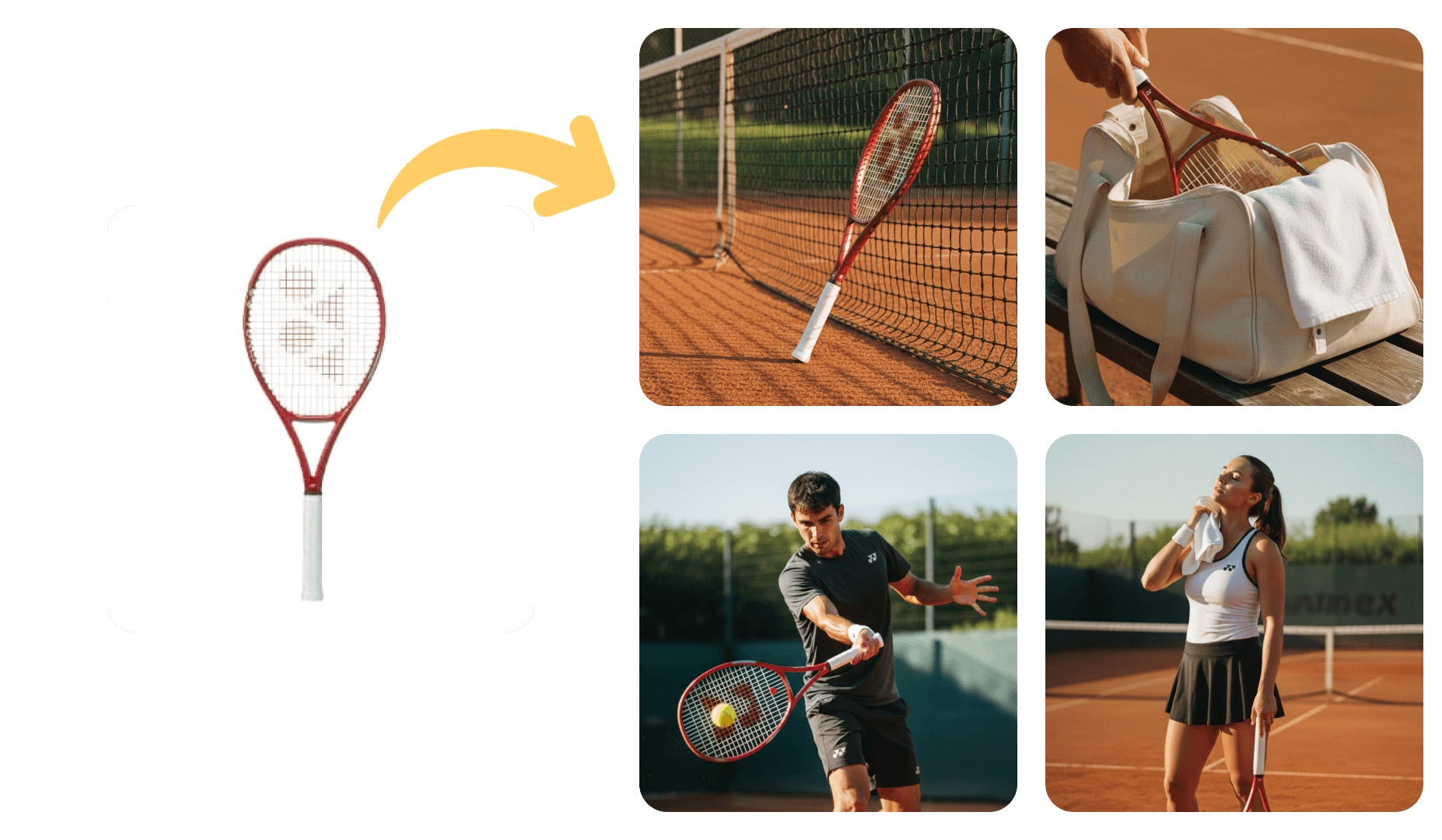
Tips for Sunglasses Product Photography
Whether you are shooting with a professional setup or generating photos with AI, these tips will help you get the most out of your sunglasses product visuals.
Use a neutral background (white, grey, or light beige) to keep the focus on the product and make editing easier.
Shoot in natural light near a window, or use softbox lights to get diffused, even lighting that minimises harsh shadows.
Always shoot on a tripod to avoid blur, especially for close-up or macro shots where small movements are magnified.
Capture multiple angles: front, back, side, top-down, and a close-up detail shot. Customers want to see everything.
Keep your colour profile consistent across all product photos so your catalogue looks cohesive on product pages.
Clean the product thoroughly before shooting. Fingerprints, dust, and smudges are amplified under studio lighting.
Use a shallow depth of field to isolate the product and create a professional, polished look.
Edit for consistency: adjust exposure, white balance, and contrast uniformly so all photos feel part of the same shoot.
AI-generated. Indistinguishable from studio.
Sunglasses Product Photography Examples
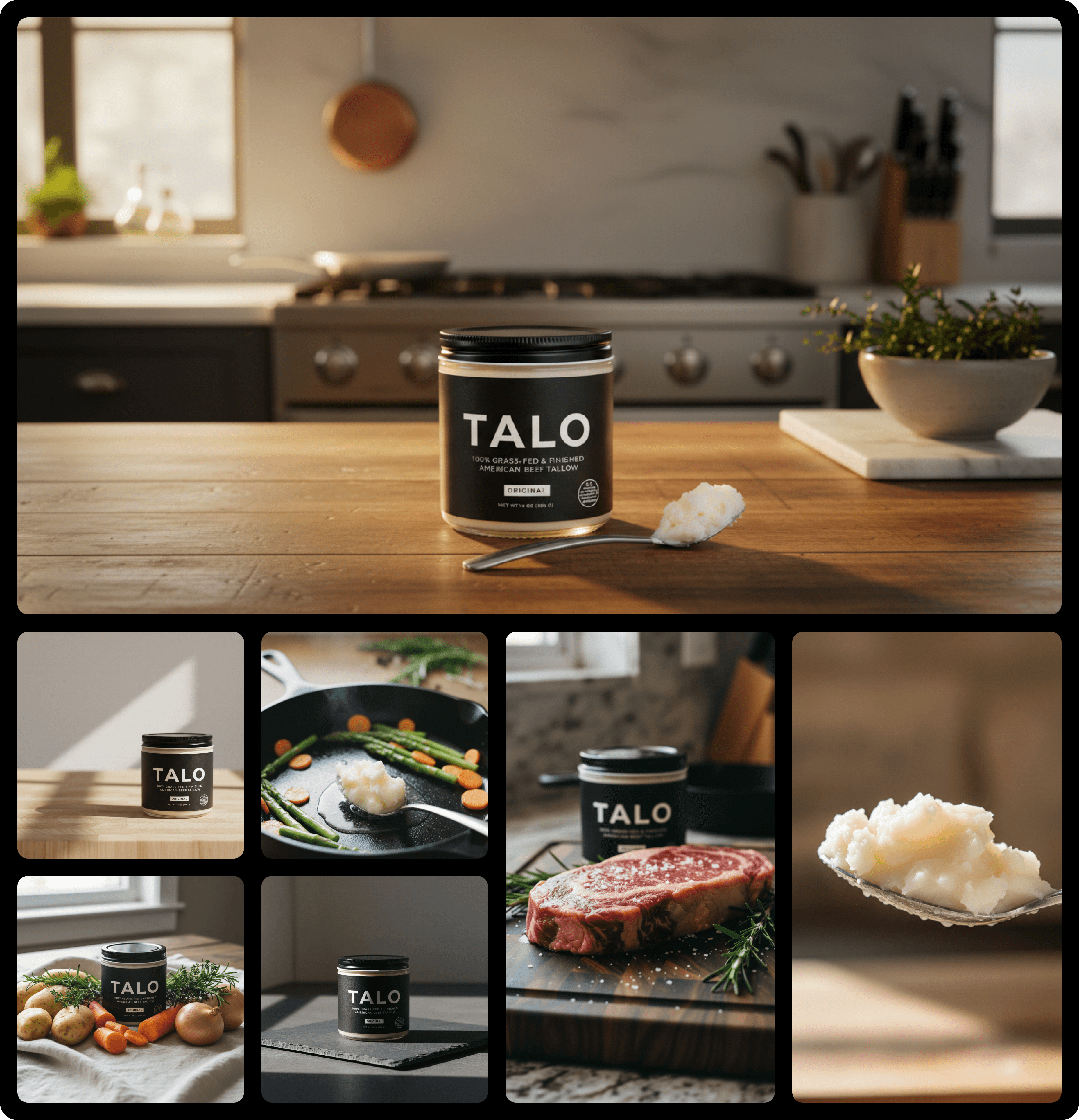
Real product photos generated by Yuzuu for sunglasses brands. No studio, no photographer, no waiting.
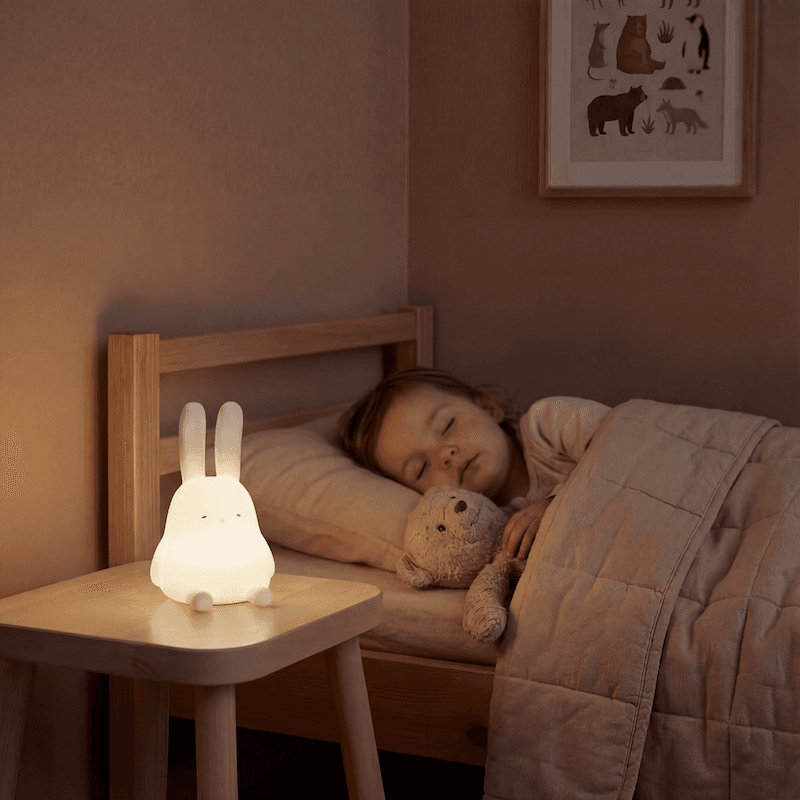
Studio product photography
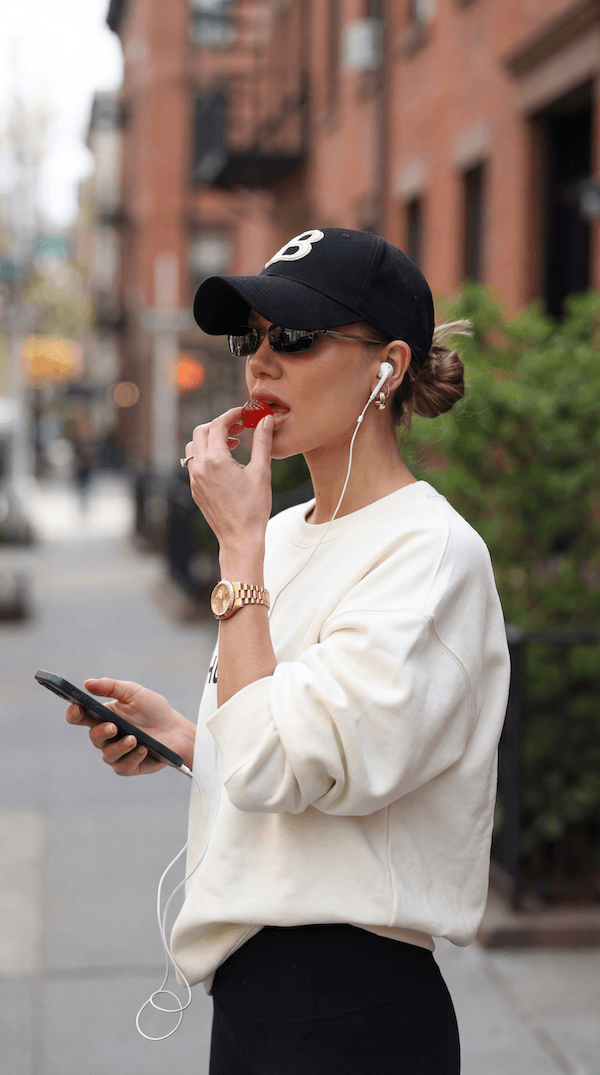
Lifestyle product photography
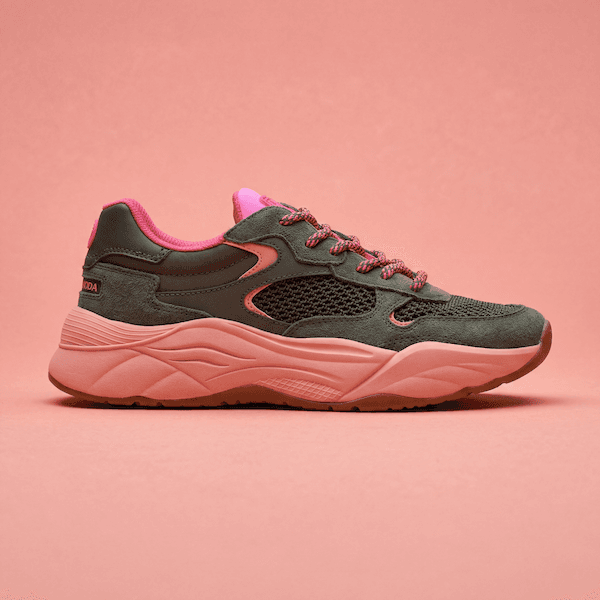
Clean studio photography
How it works
Three steps. No studio. No photographer. Just great product photos.
Here, you create studio and lifestyle photos so realistic people don't question them.
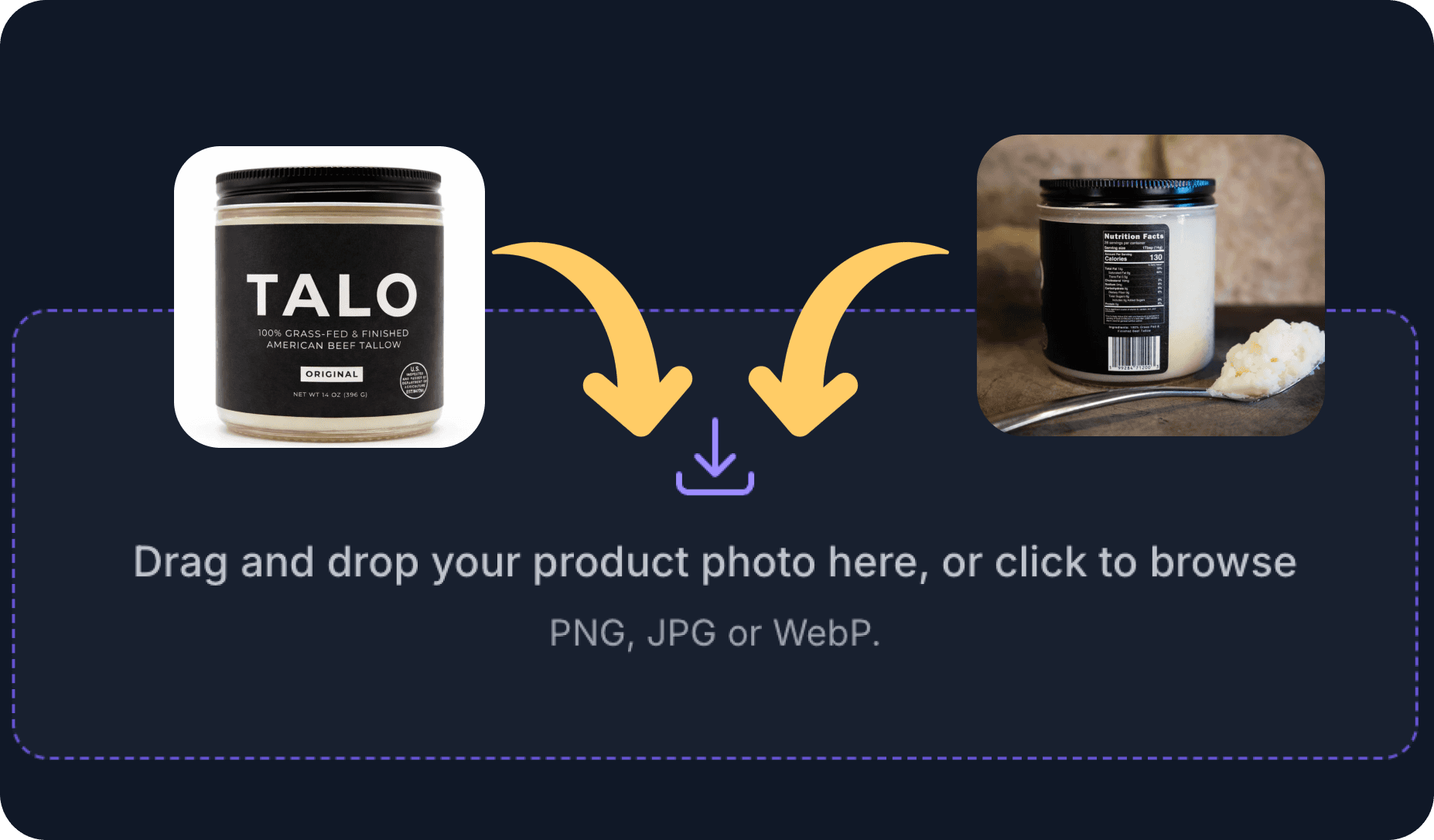
1. Upload your product photos
PNG, JPG, or WebP format. Up to 10 photos at a time.
Takes 2 seconds.
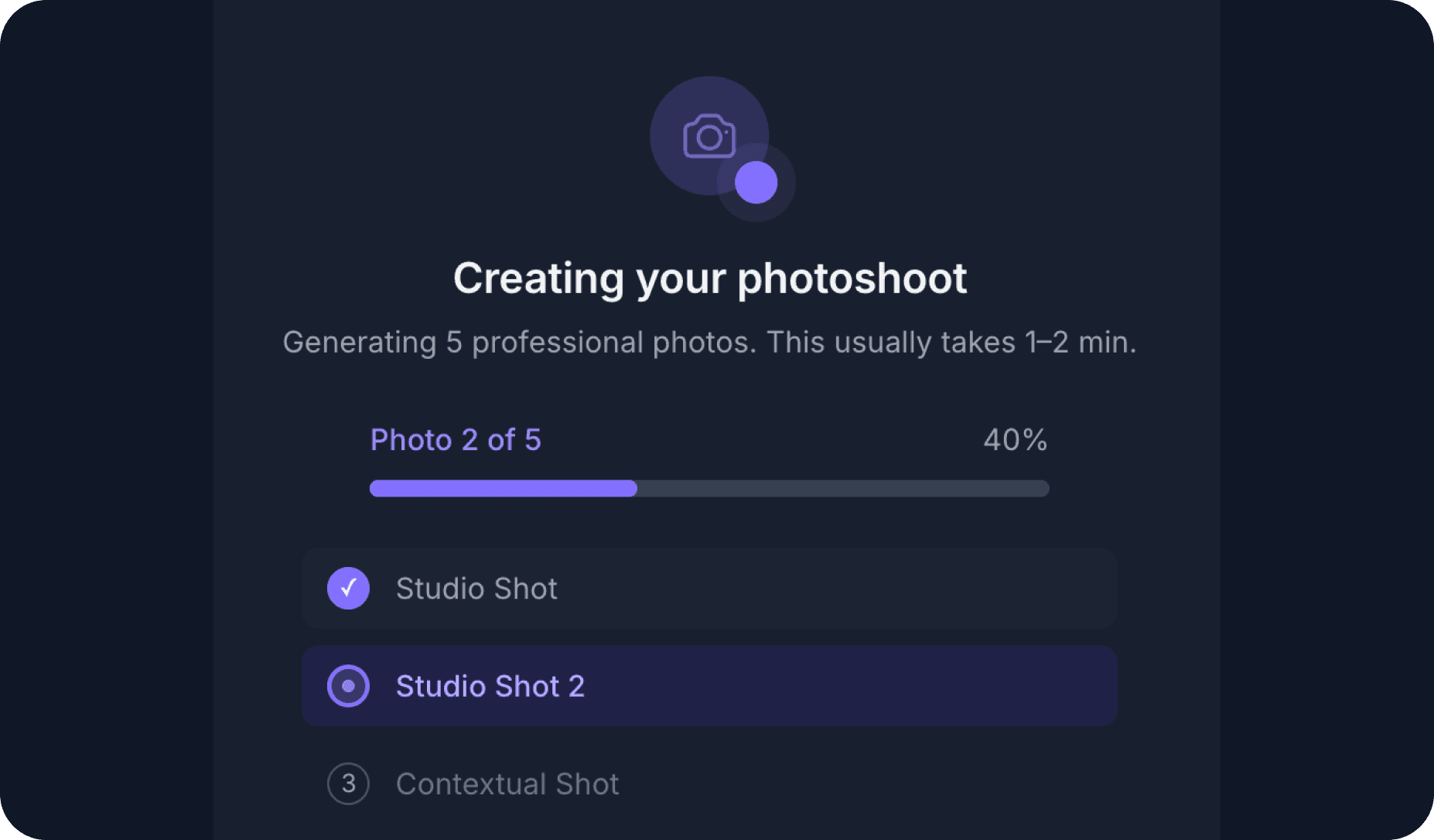
2. Our AI Creative Director does the magic
Your product is integrated into ultra-realistic scenes to improve the trustworthiness of your brand.
Takes 30 seconds.
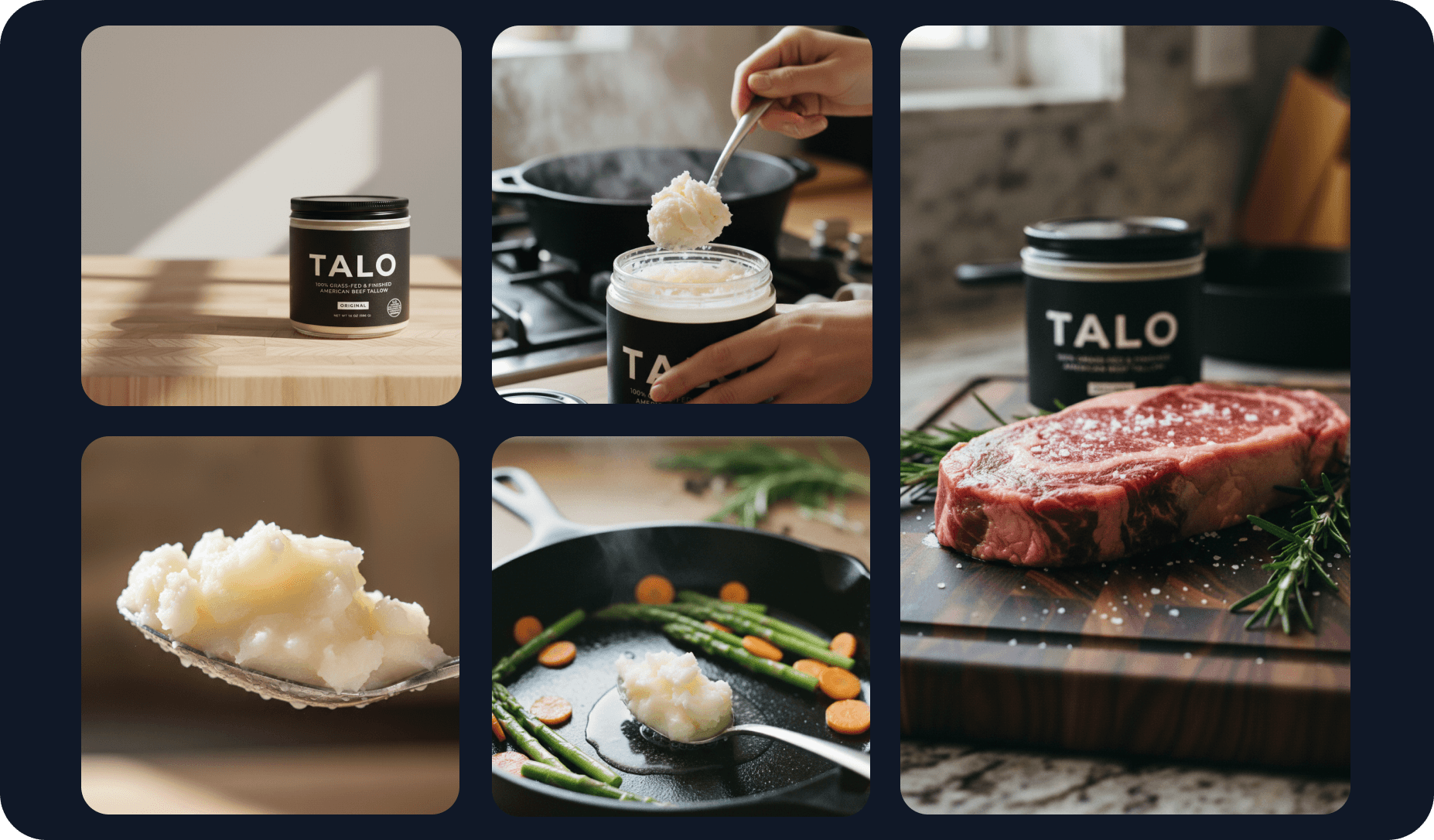
3. Your photoshoot is ready
You finally can use pictures that don't make you look like a fraud.
+12.68% conversion rate improvement, based on 50+ customers' use cases.
Your first photoshoot for free
50+ brands improved conversions by an average of 12.68%. Will you do better?
Give it a try now →
💳 No credit card needed
Product Photography By Industry
Product photography tailored to your sector: beauty, fashion, electronics, food, and more.
Sunglasses Product Photography FAQ
Common questions about sunglasses product photography, answered.
For basic product photography you need a camera (a modern smartphone works), a tripod, a light source (natural window light or a simple softbox), and a backdrop. A white foam board for bouncing light is also a cheap and effective addition.
That said, the biggest limiting factor is rarely equipment. Lighting control, post-processing, and consistency matter far more than the camera body you use.
A basic studio shoot for a single product , three to five angles on a white background , typically takes 30 to 60 minutes including setup. A full lifestyle shoot with props and multiple scene setups can take a full day.
With AI product photography, the same results take under a minute per image. You upload your product photo, choose a scene style, and receive a finished image without booking time or setting up lights.
JPEG is the standard for e-commerce product pages due to smaller file sizes and broad compatibility. PNG is preferred when you need a transparent background. For ads and print, high-resolution TIFF or PNG files are recommended.
Most platforms , Shopify, Amazon, WooCommerce , accept JPEG and PNG. Aim for at least 1000x1000px to meet zoom requirements.
Yes. AI product photography tools like Yuzuu take your existing product images and place them into photorealistic studio and lifestyle scenes. The result looks identical to a professional shoot because the AI is trained on thousands of real product photos.
Brands using AI product photography see faster turnaround (minutes instead of days), lower costs, and the ability to test multiple visual styles without reshooting.